
How to choose a graphics card: what matters for your games
The graphics card is the most expensive part of a gaming PC and the one that decides how your games look and run. The right card depends on one question first: what resolution do you play at? After that come video memory, upscaling, and two practical checks that people forget: power supply and case size.
1. Start with your monitor
The higher the resolution, the more work for the card:
- Full HD (1080p): an entry or lower mid-range card is enough for high settings in most games.
- QHD (1440p): the most popular gaming resolution. Aim for a solid mid-range card if you want high settings at 100+ frames per second.
- 4K: needs an upper-range card, usually together with upscaling (see below).
A high-refresh monitor (144 Hz or more) only pays off if the card can deliver those frame rates, so plan the monitor and the card together.
2. Video memory (VRAM)
Modern games with high-resolution textures use a lot of video memory. When a card runs out, games stutter or textures turn blurry, however fast the chip is.
- 8 GB: fine for 1080p, but already a limit in some recent games at high texture settings.
- 12 GB: a comfortable minimum for 1440p.
- 16 GB or more: the safe choice for 1440p at maximum settings and for 4K, and for keeping the card several years.
If two cards cost about the same, the one with more memory usually ages better.
3. NVIDIA or AMD?
Both make good cards; compare them at the same price rather than by brand.
- NVIDIA (GeForce RTX): strongest in ray tracing (realistic lighting and reflections) and has DLSS, the most widely supported upscaling. The current RTX 50 series adds multi-frame generation, which inserts extra generated frames for higher frame rates in supported games. Also the usual choice for AI tools and some creative software.
- AMD (Radeon RX): often more raw performance and more memory for the money. The current RX 9000 series brings FSR 4, AMD's best upscaling so far, and much improved ray tracing.
Upscaling renders the game at a lower resolution and sharpens it back up, for much higher frame rates with little visible loss. It is now part of almost every new game, so its quality matters when you compare cards. Generated frames make motion smoother but don't make the game react faster, so they help most when the base frame rate is already decent.
4. The model name: chip first, brand second
Cards are built by board partners (ASUS, MSI, Gigabyte, Sapphire, PowerColor and others) around the same chip. The chip (for example RTX 5070 or RX 9070) decides about 95% of the performance. Partner models differ in cooling, noise, size and a small factory overclock. Pay extra for a quieter cooler if the PC is on your desk; don't pay much extra for "OC" in the name alone.
Watch similar names: a "Ti" or "XT" is a different, faster chip, and the same chip can come with different amounts of memory (an 8 GB and a 16 GB version), so read the full name.
5. Two checks before you buy
- Power supply: each card has a recommended PSU wattage (shown on our product pages when the maker lists it). Check your PSU's wattage and its connectors: many NVIDIA cards use the 12V-2x6 (16-pin) connector, which needs either a recent PSU or the adapter in the box.
- Size: high-end cards can be over 33 cm long and three or four slots thick. Compare the card length with the maximum GPU length of your case.
6. What to spend
Graphics card prices are high at the moment and change quickly. At today's prices on bol (autumn 2026):
- About €450–650: entry cards for 1080p gaming, mostly with 8 GB.
- About €700–1,000: the mid-range for 1440p, with 12–16 GB.
- €1,000 and up: high-end cards for 1440p at high refresh rates and 4K.
Be wary of older generations at new-card prices: a card from two generations ago is rarely a good buy at the price of a current one.
7. How to tell a real deal
Graphics card prices move a lot, and a strikethrough price can be from a launch period long ago. Check the price history on each product page: a real deal is low compared with the last weeks. Compare the same chip across brands too: the cheapest model of a chip is often the better buy than a discounted premium version of it.
Today's picks
These update every morning from the deals we follow.
For 1080p gaming
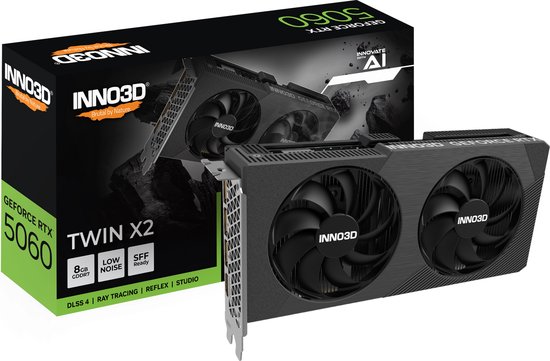 Bol.com
Inno3D GeForce RTX 5060 Twin X2 V2 8 GB
ASUS Radeon RX 9060 XT DUAL 8 GB
GDDR6 · 550 W PSU
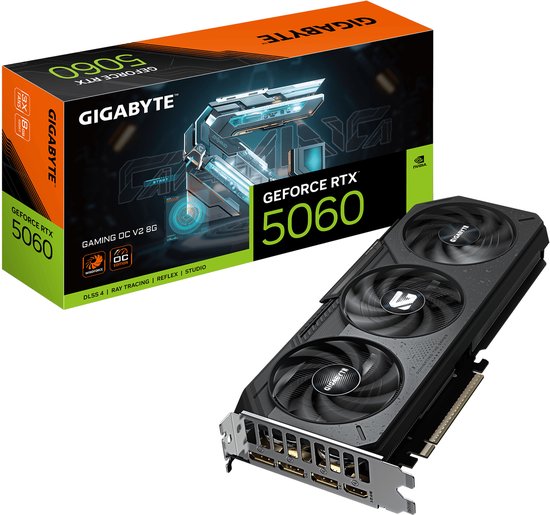 Bol.com
Gigabyte GeForce RTX 5060 GAMING OC V2 8 GB
550 W PSU
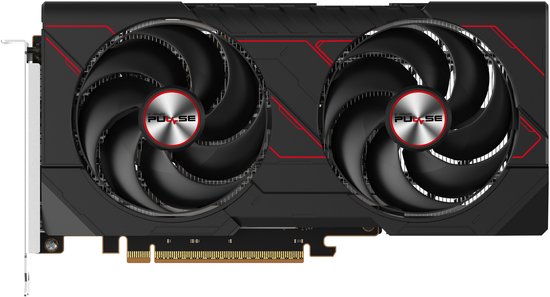 Bol.com
Sapphire Radeon RX 9060 XT PULSE 8 GB
GDDR6 · 450 W PSU
For 1440p: 12 GB or more, under €900
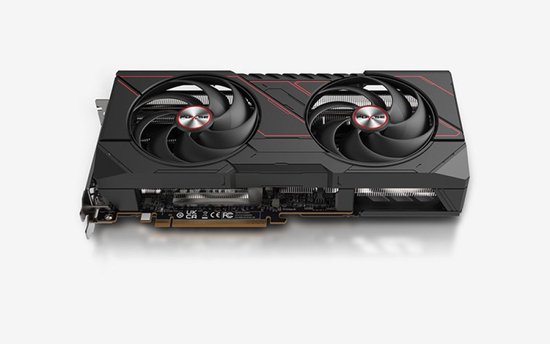 Bol.com
Sapphire Radeon RX 9070 GRE Pulse 12 GB
GDDR6 · 650 W PSU
 Bol.com
Gigabyte GeForce RTX 5060 Ti Windforce OC 16 GB
GDDR7 · 650 W PSU
 Bol.com
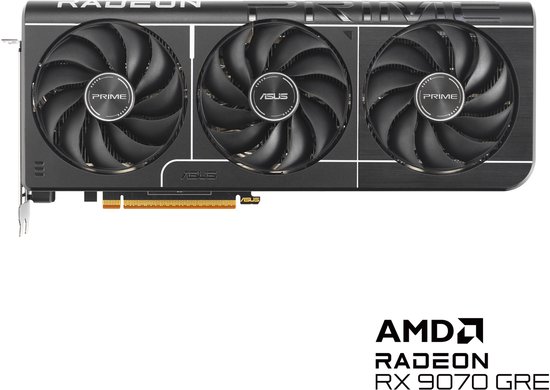
ASUS Radeon RX 9070 GRE Prime OC Edition 12 GB
GDDR6 · 650 W PSU
 Bol.com
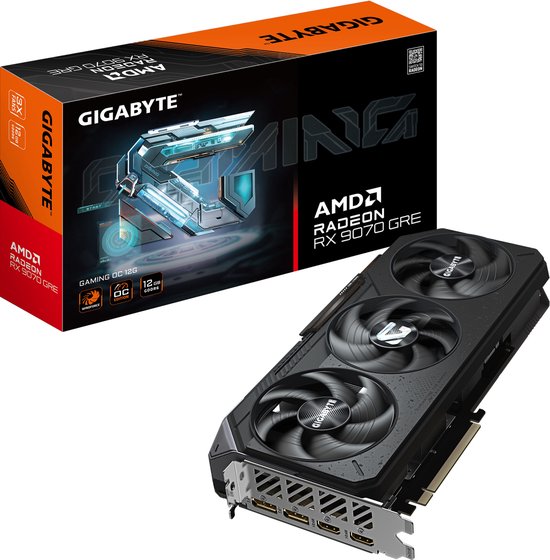
Gigabyte Radeon RX 9070 GRE Gaming OC 12 GB
GDDR6 · 750 W PSU
High-end for 4K: 16 GB, €1,000 and up
 Bol.com
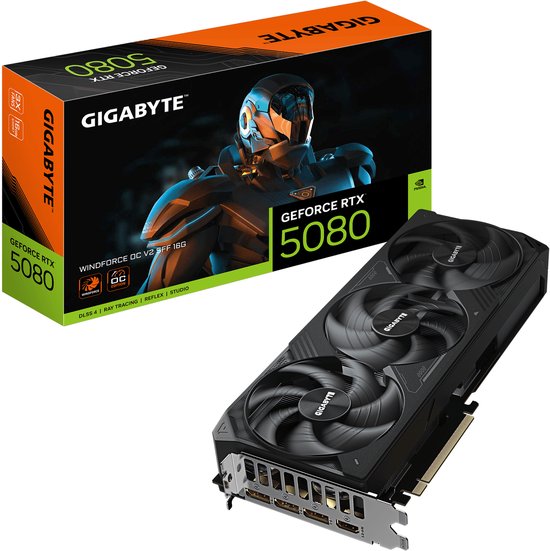
Gigabyte GeForce RTX 5080 WINDFORCE OC V2 SFF 16 GB
850 W PSU