
How to choose RAM: type, capacity, speed, and buying in an expensive market
Memory (RAM) is one of the simplest parts to choose, as long as you get three things right: the type your motherboard takes, how much you need, and a sensible speed. Right now there is a fourth: memory has become very expensive, so it pays to buy exactly what you need and to watch the price history.
1. DDR4 or DDR5: your motherboard decides
DDR4 and DDR5 are not interchangeable: the notch in the module is in a different place, so the wrong type physically doesn't fit.
- DDR5: every current AMD AM5 board (Ryzen 7000 and 9000) and Intel LGA1851 board (Core Ultra 200S), and many LGA1700 boards.
- DDR4: AMD AM4 boards (Ryzen 5000 and older) and some LGA1700 boards (12th to 14th generation Intel).
Check the motherboard's product page or manual. On LGA1700 the board decides, not the processor.
2. How much do you need?
- 16 GB: enough for office work, browsing and lighter games. Tight for modern games with a browser and Discord open alongside.
- 32 GB: the comfortable choice for gaming and most creative work today.
- 64 GB or more: for heavy video editing, 3D, virtual machines or large datasets.
Buy memory as a kit of two modules (for example 2 × 16 GB for 32 GB). Two modules run in dual channel, which is noticeably faster than one module of the same size. Filling all four slots with DDR5 often forces lower speeds, so two larger modules are better than four small ones.
3. Speed and latency
Speed is shown in MT/s (for example DDR5-6000), latency as CL (lower is better).
- DDR5 on AMD Ryzen 7000/9000: DDR5-6000 with CL30 to CL36 is the widely recommended sweet spot. Faster kits cost more and gain little.
- DDR5 on Intel: 6000 to 6400 MT/s is a good target; faster kits help a little more than on AMD.
- DDR4: 3200 MT/s CL16 or 3600 MT/s CL18 are the classic choices.
New memory runs at a slow default speed until you switch on its profile in the BIOS: EXPO (AMD) or XMP (Intel). It's one setting, and without it you don't get the speed you paid for.
4. Height, RGB and laptops
- Tall heatsinks and RGB lighting can collide with large air coolers. Check the cooler's RAM clearance if you use a big tower cooler.
- Laptops and mini PCs use smaller SO-DIMM modules. Everything on our list is desktop memory.
5. Prices right now: be patient and precise
Memory prices have risen sharply. In the deals we follow, the median price of a DDR5 kit went up by about 13% during October 2026 alone, and a 32 GB DDR5 kit now costs around €550 on bol. Practical advice:
- Buy what you need now, not "for later". 32 GB is enough for almost every gaming PC; upgrading later is possible if you leave two slots free or buy a 2 × 16 GB kit.
- On a DDR4 platform, DDR4 is the cheaper route: an AM4 system with 32 GB DDR4 costs far less in memory than a new DDR5 build.
- Use the price history on each product page. In a rising market a discount against a list price means little; a price below the last weeks means a lot.
6. How to tell a real deal
The same kit is often sold under slightly different model numbers (colour, heatsink, RGB). Compare capacity, speed and latency rather than the name, and check the price history: a real deal is low compared with the last weeks, not just compared with a list price.
Today's picks
These update every morning from the deals we follow.
DDR5, 32 GB
 Bol.com
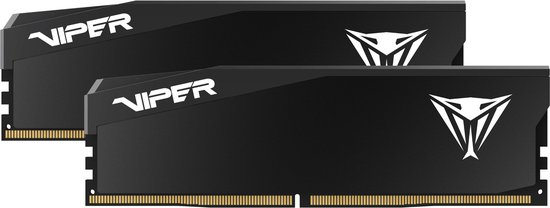
Patriot Viper Elite 5 Ultra 32 GB (2 × 16 GB) DDR5-6000 CL28
CL28
 Bol.com
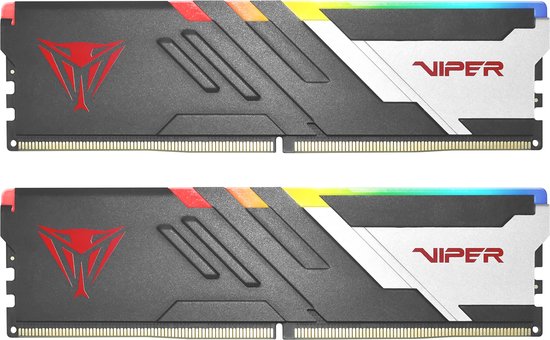
Patriot Viper Venom 32 GB (2 × 16 GB) DDR5-7400 CL36
CL36 · RGB
 Bol.com
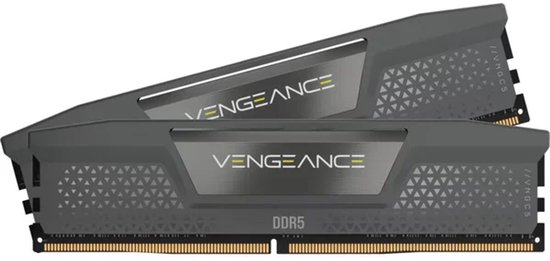
Corsair Vengeance 32 GB (2 × 16 GB) DDR5-6000 CL38
CL38
 Bol.com
Patriot Viper Venom 32 GB (2 × 16 GB) DDR5-6400 CL32
CL32
DDR5 for AMD: 6000 MT/s or faster
Bol.com Patriot Viper Elite 5 Ultra 32 GB (2 × 16 GB) DDR5-6000 CL28
CL28
Bol.com Patriot Viper Venom 32 GB (2 × 16 GB) DDR5-7400 CL36
CL36 · RGB
 Bol.com
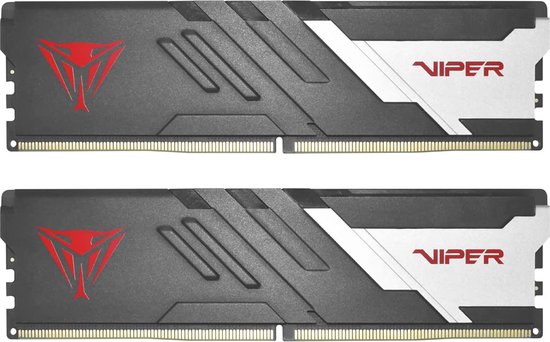
Patriot Viper Venom 64 GB (2 × 32 GB) DDR5-6000 CL30
CL30 · RGB
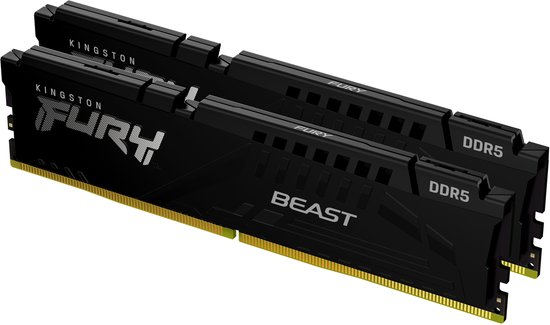 Bol.com
Kingston FURY Beast Black 64 GB (2 × 32 GB) DDR5-6000 CL36
CL36
DDR4, 16 GB or more at 3200 MT/s or faster
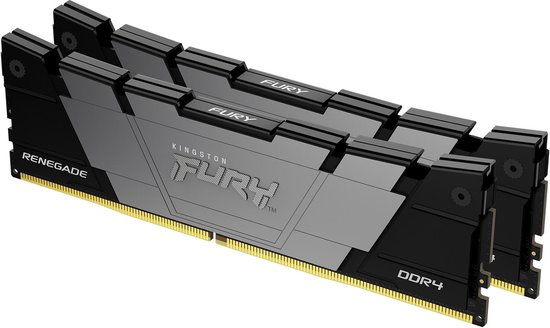 Bol.com
Kingston FURY Renegade 16 GB (2 × 8 GB) DDR4-3200 CL16
CL16
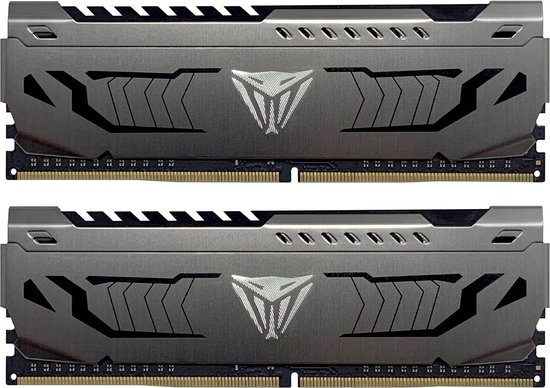 Bol.com
Patriot 16 GB (2 × 8 GB) DDR4-3200 CL16
CL16
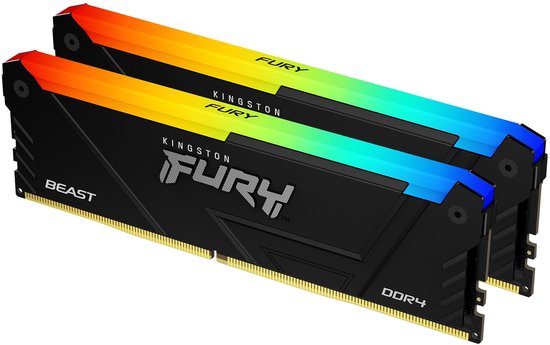 Bol.com
Kingston FURY (Sets van 2) Beast RGB 16 GB (2 × 8 GB) DDR4-3200 CL16
CL16 · RGB
 Bol.com
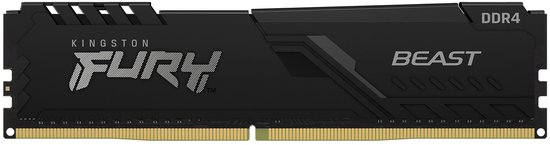
Kingston Fury Beast 16 GB DDR4-3200 CL16
CL16