
How to choose a monitor: size, resolution, speed and panel
A monitor lasts longer than almost any other part of a PC, so it pays to choose with care. Four things decide whether you'll be happy with one: the size and resolution together, the refresh rate, the panel type and the stand. Marketing labels like "HDR" matter much less than the box suggests.
1. Size and resolution belong together
What you see as sharp depends on how many pixels sit in each centimetre, not on the resolution alone:
- 24 inch, Full HD (1920 × 1080): sharp enough at this size and the easiest to drive for a modest graphics card. Fine for office work and esports.
- 27 inch, QHD (2560 × 1440): the sweet spot for most people. Clearly sharper than Full HD, and a mid-range graphics card still runs games smoothly.
- 27 or 32 inch, 4K (3840 × 2160): crisp text and photos, great for work and for consoles. In games it needs a strong graphics card or upscaling.
- 34 inch ultrawide (3440 × 1440): extra width instead of a second screen. Good for racing and flight games, spreadsheets and video editing; check that your games support 21:9.
Full HD stretched to 27 inch or more looks soft. If you sit close to your desk, go one step up in resolution rather than in size.
2. Refresh rate: how smooth it feels
The refresh rate (in Hz) is how many images per second the screen can show.
- 60–100 Hz: enough for office work, films and slower games.
- 144–180 Hz: the big jump. Scrolling, the mouse pointer and games all feel noticeably smoother. This is where most gamers should aim.
- 240 Hz and more: for competitive shooters, if your graphics card can actually reach those frame rates.
A high refresh rate only helps if your PC delivers the frames. Look for Adaptive-Sync (FreeSync or G-Sync Compatible), which keeps the picture smooth when the frame rate jumps around.
3. Panel type: IPS, VA or OLED
- IPS: the safe all-rounder. Accurate colours, good viewing angles, fast enough for most games. Blacks look greyish in a dark room.
- VA: much deeper blacks and higher contrast than IPS, good for films and dark games. Can show some smearing in fast dark scenes.
- OLED and QD-OLED: every pixel makes its own light, so blacks are perfect and response is near-instant. The best picture you can buy, but they cost more, are less bright on large white areas, and static elements (taskbars, game HUDs) can slowly burn in. Most models have built-in care routines and a burn-in warranty: check its length.
Response times on the box ("1 ms") are measured in ideal conditions; reviews tell you more than the number.
4. HDR: read the label carefully
Almost every monitor says HDR, but real HDR needs high brightness and local contrast. DisplayHDR 400 monitors accept an HDR signal without showing much difference. Real HDR starts at DisplayHDR 600 with local dimming, or True Black 400 and up on OLED. If HDR matters to you, look for those; otherwise don't pay extra for the sticker.
5. Stand and connections: the everyday comfort
- A height-adjustable stand is worth more than most specs: the top of the screen should be at or just below eye level. Otherwise, check for a VESA mount so you can use a monitor arm.
- USB-C with power delivery lets one cable charge a laptop and carry picture, sound and USB. Check the wattage (65 W or more for most laptops).
- For consoles: PS5 and Xbox Series X want HDMI 2.1 for 4K at 120 Hz.
- Curved screens make sense from 34 inch ultrawide up; at 27 inch they are mostly a matter of taste.
6. What to spend
- Under €200: good 24–27 inch IPS monitors, Full HD or QHD, often at 144 Hz or more.
- €200–400: QHD gaming at 165–240 Hz, and 4K monitors for work, many with USB-C.
- €500 and up: OLED gaming monitors, 4K at high refresh rates, and large ultrawides.
7. How to tell a real deal
Monitors are often discounted, and the "before" price is not always meaningful. Check the price history on each product page: a real deal is low compared with the last weeks, not just compared with a list price. Very similar models (a "W" white version, a newer revision) can differ in price for no good reason, so compare the exact model names.
Today's picks
These update every morning from the deals we follow.
QHD gaming monitors, 144 Hz or more, under €400
 Bol.com
Philips Evnia 27M2N3500PF 27″
QHD · 260 Hz · IPS
 Bol.com
AOC G4 Q27G4ZR 27″
QHD · 240 Hz · IPS
 Bol.com
MSI MAG 27CQ6F 27″
QHD · 180 Hz · VA · curved
 Bol.com
LG UltraGear 27GR83Q-B 27″
QHD · 240 Hz · IPS
OLED monitors
 Bol.com
Samsung Odyssey G9 LS49CG954SUXEN 49″
DQHD · 240 Hz · OLED · curved
 Bol.com
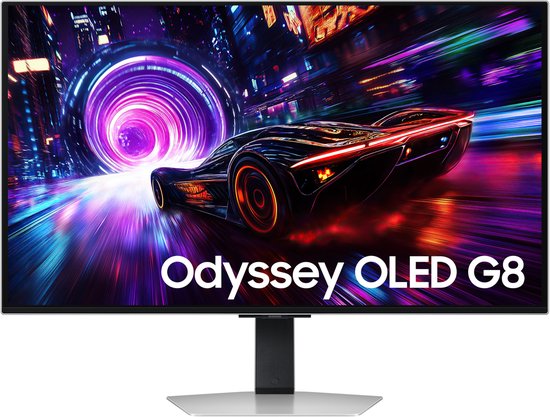
Samsung S32FG814SU 32″
4K UHD · 240 Hz · OLED
 Bol.com
AOC AGON PRO AG276QZD2 27″
QHD · 280 Hz · OLED
 Bol.com
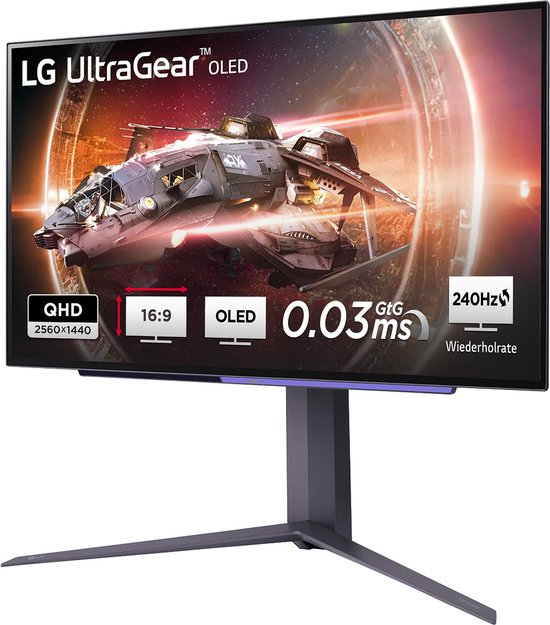
LG 27GS95QX-B.AEU 27″
QHD · 240 Hz · OLED
4K monitors for work and consoles
 Bol.com
Samsung Odyssey 3D G90 LS27FG900XUXEN 27″
4K UHD · 165 Hz · IPS
 Bol.com
Dell UltraSharp U3223QE 32″
4K UHD · 60 Hz · IPS
 Bol.com
Dell UltraSharp U2723QE 27″
4K UHD · 60 Hz · IPS
 Bol.com
Samsung LS27FG904XUXEN 27″
4K UHD · 165 Hz
Monitors with USB-C and a height-adjustable stand
Bol.com Dell UltraSharp U3223QE 32″
4K UHD · 60 Hz · IPS
Bol.com Dell UltraSharp U2723QE 27″
4K UHD · 60 Hz · IPS
 Bol.com
Philips 346E2CUAE 34″
UW-QHD · 100 Hz · VA · curved
 Bol.com
MSI MPG 341CQPX QD-OLED 34″
UW-QHD · 240 Hz · QD-OLED · curved